About this courseعن الدورة
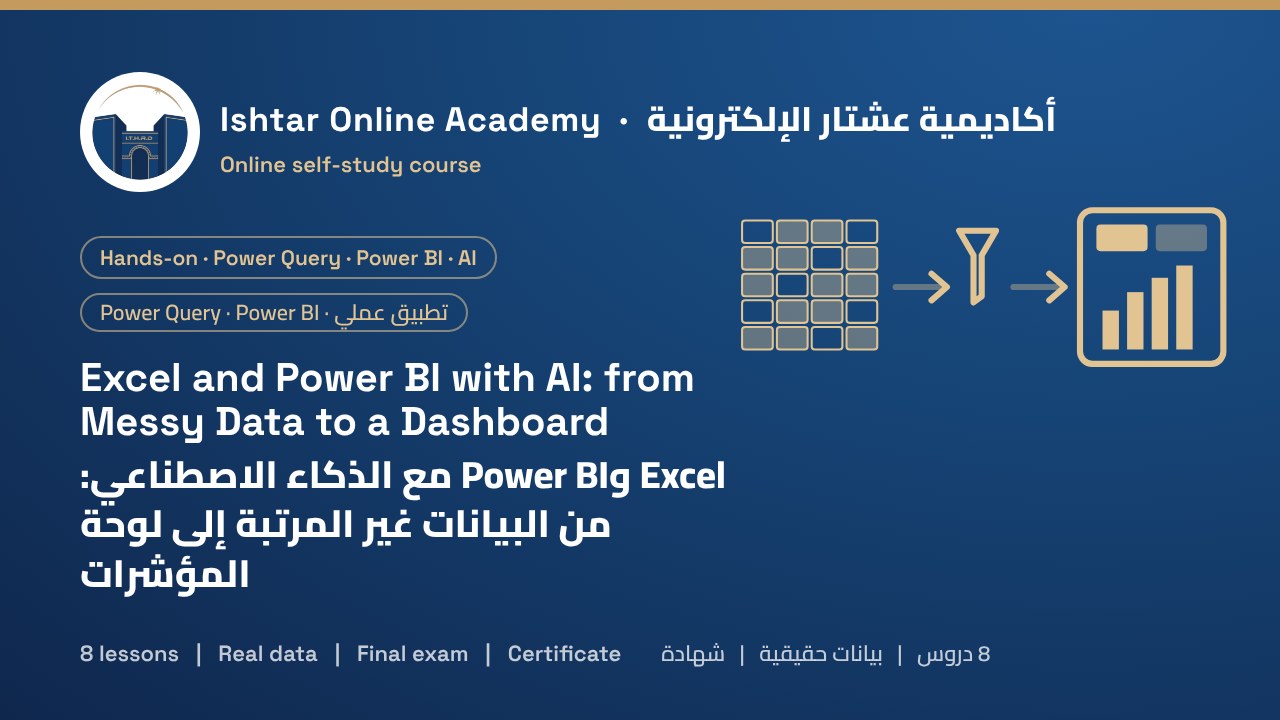
Most reports start with hours of copying, fixing dates and correcting names by hand, and are out of date a week later. In this hands-on course you build a reporting system that does the cleaning for you.
You work with real-looking data from Nahrain Foods, an example distributor with three branches whose sales files are full of typical problems: mixed date formats, amounts stored as text, product names spelled three ways, blank, duplicate and total rows. You combine the files from a folder with Power Query and record every cleaning step once, including dates read with the right locale and errors traced back to their source. You load lookup tables and use an AI assistant, safely and with a tested prompt template, to write XLOOKUP, SUMIFS, IF and TEXT formulas. You answer business questions with PivotTables, slicers and charts that update with Refresh All. Then you move to Power BI Desktop: import your queries, build a star-schema model with a Date table, write measures for sales, cost, margin, last year and growth (with AI help for DAX), and design a clear one-page dashboard. Finally you publish to a workspace, set up scheduled refresh, share with named people and restrict branch managers to their own data.
Every lesson has illustrated step-by-step screens, copy-ready formulas and DAX, short narrated videos and knowledge checks. Starter files include the messy branch files, lookup tables, prompt templates and an answer key so you can check your results. The course ends with a 15-question final exam.
تبدأ معظم التقارير بساعات من النسخ وإصلاح التواريخ وتصحيح الأسماء يدوياً، ثم تتقادم بعد أسبوع. ستبني في هذه الدورة التطبيقية نظام تقارير يقوم بالتنظيف نيابة عنك.
تعمل على بيانات تشبه الحقيقية من شركة «النهرين للمواد الغذائية»، وهي موزّع مثال له ثلاثة فروع، ملفات مبيعاتها مليئة بالمشكلات المعتادة: صيغ تواريخ مختلطة ومبالغ مخزنة نصاً وأسماء منتجات مكتوبة بثلاث طرق وصفوف فارغة ومكررة وصفوف مجاميع. تجمع الملفات من مجلد باستخدام Power Query وتسجّل كل خطوة تنظيف مرة واحدة، ومنها قراءة التواريخ بالإعداد المحلي الصحيح وتتبع الأخطاء إلى مصدرها. ثم تحمّل جداول البحث وتستخدم مساعداً ذكياً، بأمان وبقالب تعليمات مجرَّب، لكتابة صيغ XLOOKUP وSUMIFS وIF وTEXT. وتجيب عن أسئلة العمل بالجداول المحورية وأدوات التقطيع والمخططات التي تتحدث بـRefresh All. وبعدها تنتقل إلى Power BI Desktop: تستورد استعلاماتك، وتبني نموذجاً بمخطط النجمة مع جدول تواريخ، وتكتب مقاييس للمبيعات والتكلفة والهامش والعام الماضي والنمو (مع مساعدة الذكاء الاصطناعي في DAX)، وتصمّم لوحة واضحة من صفحة واحدة. وأخيراً تنشر إلى مساحة عمل، وتضبط التحديث المجدول، وتشارك مع أشخاص محددين، وتقيّد مديري الفروع ببيانات فروعهم.
في كل درس شاشات توضيحية خطوة بخطوة، وصيغ وDAX جاهزة للنسخ، وفيديوهات قصيرة مع تعليق صوتي، وأسئلة للتحقق من الفهم. وتشمل ملفات البداية ملفات الفروع غير المرتبة وجداول البحث وقوالب التعليمات ومفتاح إجابة لتتحقق من نتائجك، وتنتهي الدورة باختبار نهائي من 15 سؤالاً.
Who it's forالفئة المستهدفة
Accountants, sales and operations staff, administrators and analysts who prepare reports in Excel and want to automate them. You should know basic Excel (entering data, simple formulas). You need Excel for Microsoft 365 (Windows or Mac) and, for lessons 6 to 8, a Windows computer for Power BI Desktop and a work account for the Power BI service.
المحاسبون وموظفو المبيعات والعمليات والإداريون والمحللون الذين يعدّون التقارير في Excel ويريدون أتمتتها. يُفترض أن تعرف أساسيات Excel (إدخال البيانات والصيغ البسيطة)، وتحتاج إلى Excel ضمن Microsoft 365 (Windows أو Mac)، وللدروس من 6 إلى 8 إلى حاسوب Windows لتشغيل Power BI Desktop وحساب عمل لخدمة Power BI.
What you'll gainما ستكتسبه
- Recognise the data problems that make totals wrong
- Combine many files from a folder with Power Query
- Clean text, dates, numbers, blanks and duplicates with recorded steps
- Trace errors to their source instead of hiding them
- Use AI safely to write, explain and test Excel formulas
- Build PivotTables, slicers and charts that update with Refresh All
- Import queries into Power BI and build a star-schema model with a Date table
- Write DAX measures for sales, margin, last year and growth
- Design a clear one-page dashboard
- Publish, schedule refresh, share and restrict access by branch
- Receive a certificate on passing the final exam
- التعرف إلى مشكلات البيانات التي تجعل المجاميع خاطئة
- جمع ملفات كثيرة من مجلد باستخدام Power Query
- تنظيف النصوص والتواريخ والأرقام والفراغات والمكررات بخطوات مسجّلة
- تتبع الأخطاء إلى مصدرها بدل إخفائها
- استخدام الذكاء الاصطناعي بأمان لكتابة صيغ Excel وشرحها واختبارها
- بناء جداول محورية وأدوات تقطيع ومخططات تتحدث بـRefresh All
- استيراد الاستعلامات إلى Power BI وبناء نموذج بمخطط النجمة مع جدول تواريخ
- كتابة مقاييس DAX للمبيعات والهامش والعام الماضي والنمو
- تصميم لوحة واضحة من صفحة واحدة
- النشر وجدولة التحديث والمشاركة وتقييد الوصول حسب الفرع
- الحصول على شهادة عند اجتياز الاختبار النهائي
Course outlineمحتوى الدورة
- Your project and toolsمشروعك وأدواتك Free previewمعاينة مجانية4 screens4 شاشات
- Understand messy dataافهم البيانات غير المرتبة4 screens4 شاشات
- Clean the data with Power Queryنظّف البيانات باستخدام Power Query5 screens5 شاشات
- Formulas with an AI assistantالصيغ بمساعدة الذكاء الاصطناعي4 screens4 شاشات
- PivotTables and one-click refreshالجداول المحورية والتحديث بنقرة4 screens4 شاشات
- The Power BI data modelنموذج البيانات في Power BI4 screens4 شاشات
- Measures and the report pageالمقاييس وصفحة التقرير5 screens5 شاشات
- Publish, refresh and share safelyالنشر والتحديث والمشاركة بأمان4 screens4 شاشات
Course materialsمواد الدورة
- 1 supporting document to download, for enrolled studentsوثائق داعمة للتنزيل للمتدربين المسجلين: 1
- The full course as a PDF for offline studyالدورة كاملة بصيغة PDF للدراسة دون اتصال
How it worksكيف تعمل الدورة
- Pay by SuperQi, FIB or Zain Cash and upload your receipt below.ادفع عبر سوبر كي أو FIB أو زين كاش وارفع الإيصال أدناه.
- We verify the payment and email your login details.نتحقق من الدفع ونرسل لك بيانات الدخول بالبريد الإلكتروني.
- Study each lesson at your own pace. Your progress is saved automatically.ادرس كل درس وفق وتيرتك، ويُحفظ تقدمك تلقائياً.
- When every lesson is complete, the final exam unlocks.عند إكمال جميع الدروس يُفتح الاختبار النهائي.
- Prefer to study offline? Download the course PDF. When you confirm you've studied it, the exam unlocks.تفضّل الدراسة دون اتصال؟ نزّل الدورة بصيغة PDF، وعندما تؤكد أنك درستها يُفتح الاختبار.
- Pass the exam and we issue your certificate.اجتز الاختبار وسنصدر لك الشهادة.